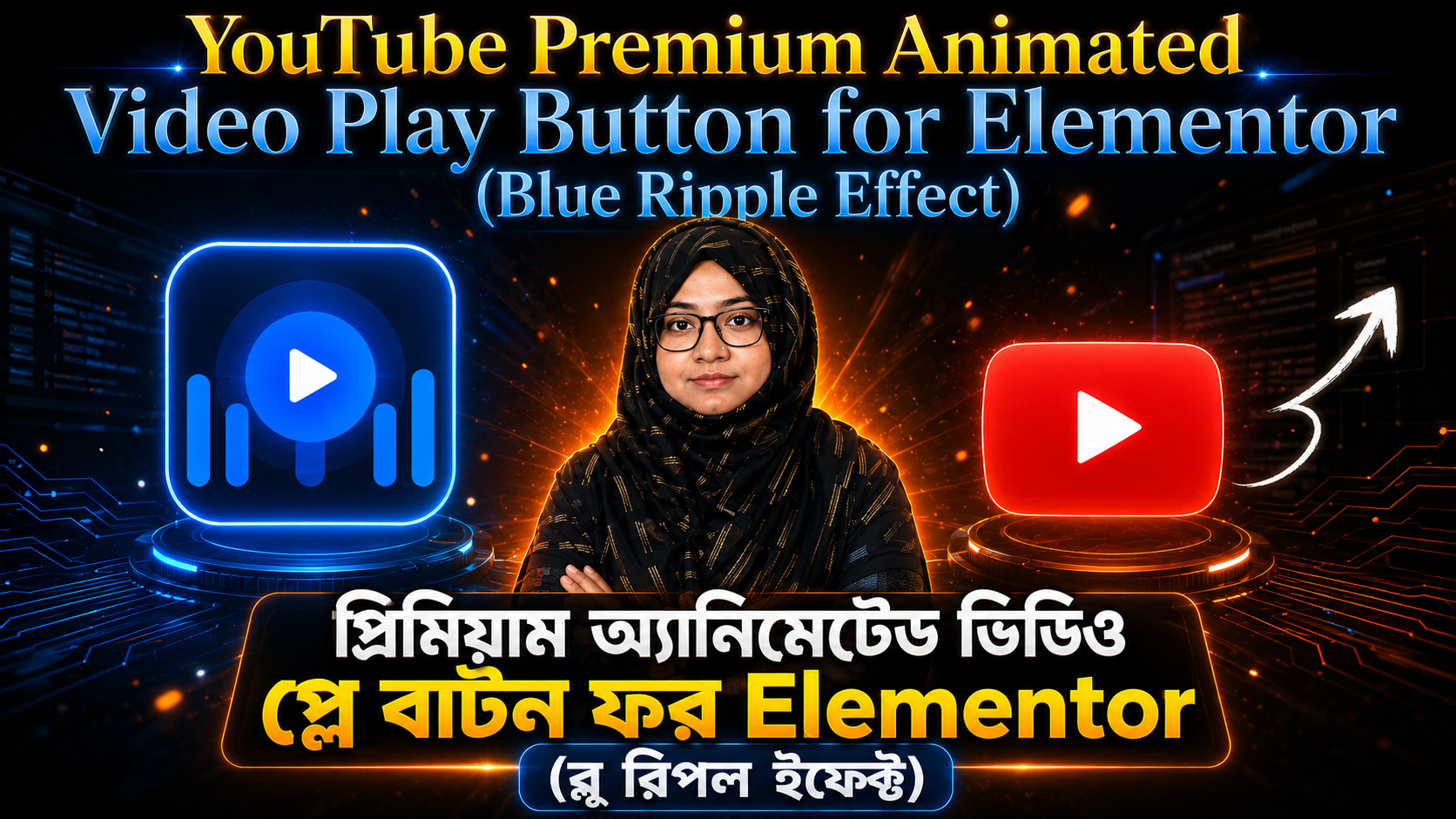
আপনার ওয়ার্ডপ্রেস ওয়েবসাইটের ভিডিও সেকশনকে আরও আকর্ষণীয় করতে চান? ডিফল্ট ইউটিউব প্লে বাটন দেখতে অনেক সময় বেশ সাধারণ লাগে। কিন্তু এলিমেন্টর (Elementor) এবং সামান্য কিছু কাস্টম CSS ব্যবহার করে আপনি আপনার ভিডিও প্লে বাটনে একটি প্রিমিয়াম ব্লু রিপল (Ripple) এবং গ্লোয়িং ইফেক্ট যুক্ত করতে পারেন।
এর জন্য কোনো অতিরিক্ত ভারী প্লাগইনের প্রয়োজন নেই, যা আপনার সাইটের স্পিড বজায় রাখতে সাহায্য করবে।
বিনা প্লাগইনে কাজ করে: সাইটের লোডিং স্পিড ঠিক থাকে।
মডার্ন ডিজাইন: ব্লু গ্লো এবং রিপল অ্যানিমেশন যা ইউজারের নজর কাড়ে।
পুরোপুরি রেসপন্সিভ: মোবাইল এবং ডেস্কটপ সব ডিভাইসেই পারফেক্ট দেখাবে।
স্মুথ ট্রানজিশন: হোভার ইফেক্ট এবং পজিশনিং একদম নিখুঁত।
ধাপ ১: এলিমেন্টর ভিডিও উইজেট সেটআপ করুন
প্রথমে আপনার পেজে একটি Video Widget নিন।
ভিডিওর লিংকে আপনার ইউটিউব ভিডিওর ইউআরএল দিন।
Image Overlay অপশনটি On করুন (এটি খুবই গুরুত্বপূর্ণ)।
একটি সুন্দর থাম্বনেইল ইমেজ আপলোড করুন।
Play Icon অপশনটি চালু রাখুন।
ধাপ ২: কাস্টম CSS কোড যুক্ত করুন
এখন নিচের কোডটি কপি করে আপনার উইজেটে বসাতে হবে।
ভিডিও উইজেটটি সিলেক্ট থাকা অবস্থায় Advanced > Custom CSS সেকশনে যান।
নিচের কোডটি পেস্ট করুন:
/* Video Wrapper */
.elementor-widget-video .elementor-wrapper,
.elementor-widget-video .elementor-custom-embed-image-overlay {
position: relative !important;
overflow: visible !important;
}

/* Play Button Center Fix */
.elementor-widget-video .elementor-custom-embed-play {
position: absolute !important;
top: 50% !important;
left: 50% !important;
transform: translate(-50%, -50%) !important;

width: 90px !important;
height: 90px !important;
border-radius: 50% !important;
background: #2b6eff !important;

display: flex !important;
align-items: center !important;
justify-content: center !important;

z-index: 10;
cursor: pointer;
box-shadow: 0 0 30px rgba(43,110,255,.45);

transition: all .35s ease;
}

/* Hover */
.elementor-widget-video .elementor-custom-embed-play:hover {
transform: translate(-50%, -50%) scale(1.08) !important;
}

/* Ripple */
.elementor-widget-video .elementor-custom-embed-play::before,
.elementor-widget-video .elementor-custom-embed-play::after {
content: "";
position: absolute;
top: 50%;
left: 50%;

width: 100%;
height: 100%;
border-radius: 50%;

background: rgba(43,110,255,.35);

transform: translate(-50%, -50%);
z-index: -1;

animation: premiumRipple 2.5s infinite;
}

.elementor-widget-video .elementor-custom-embed-play::after {
animation-delay: 1.2s;
}

/* Icon */
.elementor-widget-video .e-font-icon-svg {
width: 26px !important;
height: 26px !important;
fill: #fff !important;
margin-left: 4px;
}

/* Animation */
@keyframes premiumRipple {
0% {
transform: translate(-50%, -50%) scale(1);
opacity: .7;
}

100% {
transform: translate(-50%, -50%) scale(2.7);
opacity: 0;
}
}Select the service you need and fill in the form below. We will contact you shortly.
Fill in your details below. Fields marked * are required.